Welcome
PulseBridge bridges the gap between your AirPods Pro 3 and equipment like Peloton, NordicTrack, or any Bluetooth HR-compatible device. Get accurate, real-time heart rate data without needing a chest strap.
Getting Started
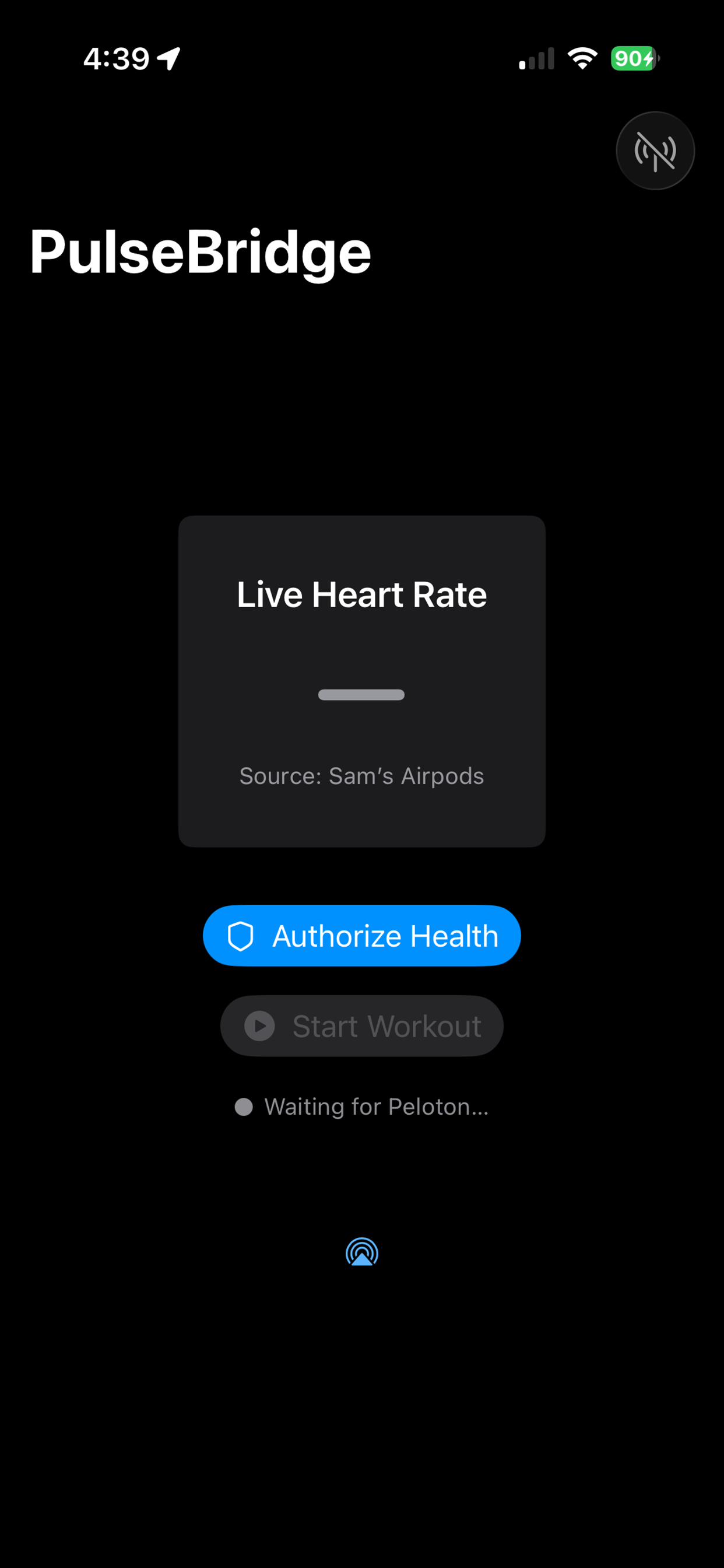
1. Allow Apple Health Access
Enable heart rate and workout permissions so PulseBridge can read sensor data from your AirPods.
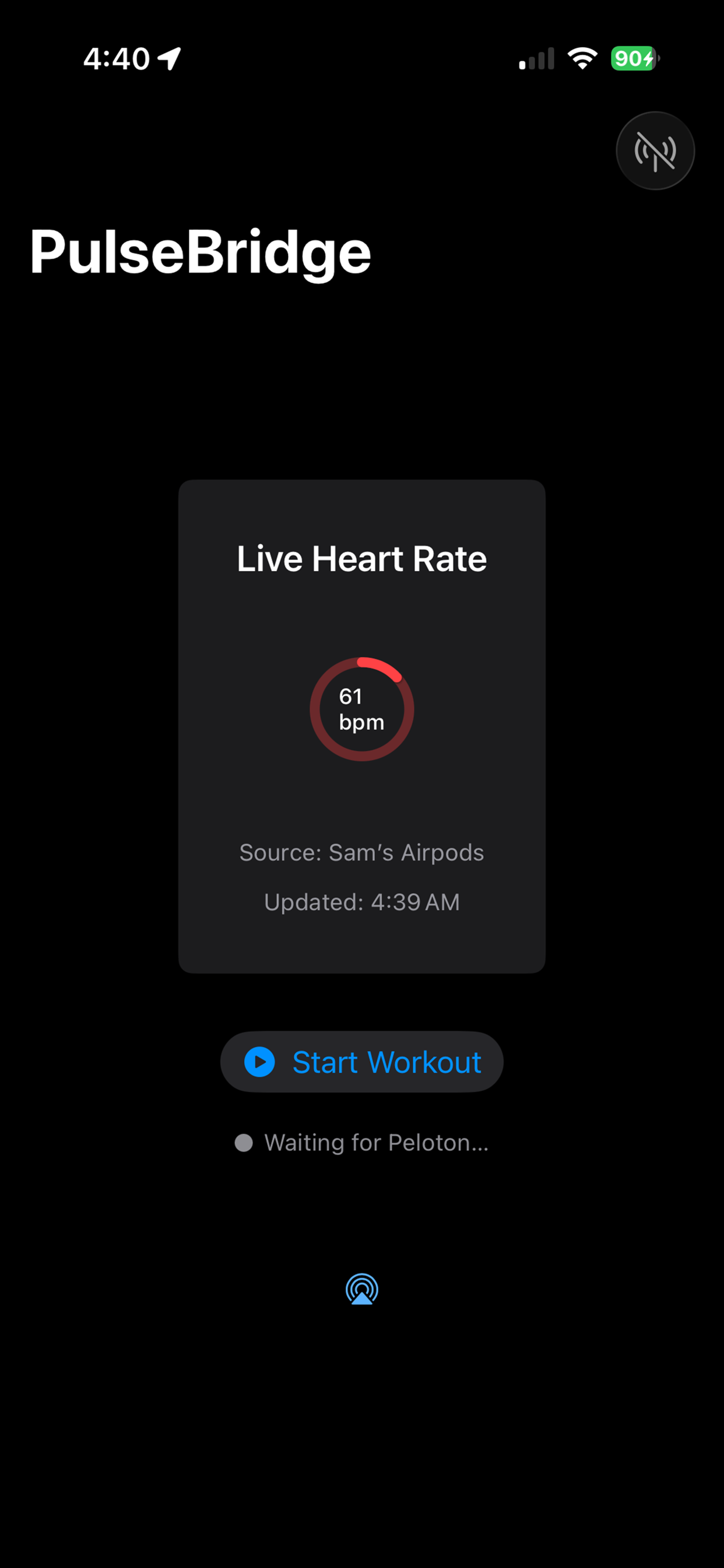
2. Wear AirPods Pro 3 & Start Workout
Ensure both AirPods are firmly seated to maintain a heart rate lock. Then tap Start Workout inside the app.
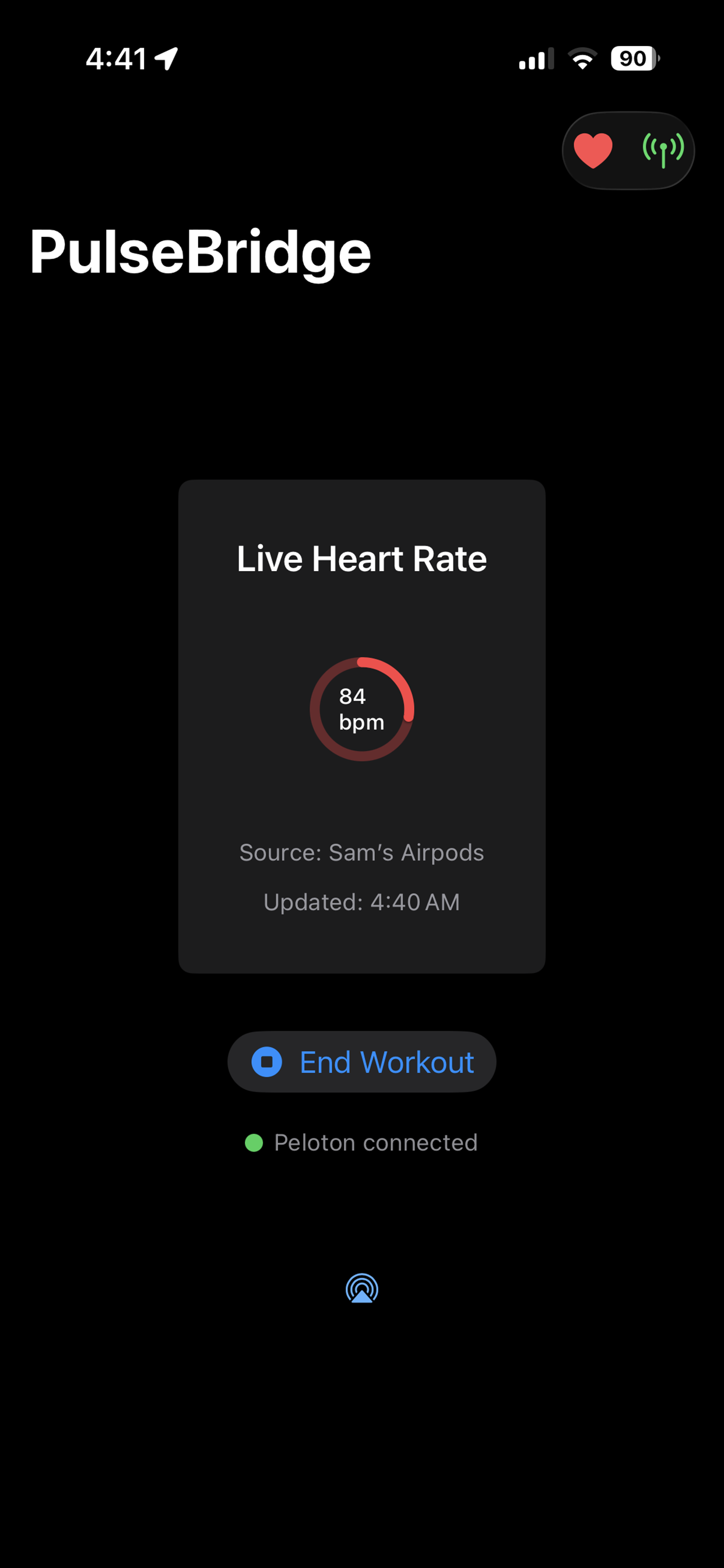
3. Enable Bluetooth Access
This allows PulseBridge to act as a virtual heart rate monitor and broadcast to external equipment.
4. Connect on Your Equipment
Go to the Bluetooth settings on your bike or treadmill. PulseBridge will appear automatically as a Heart Rate Monitor.
Frequently Asked Questions
Why doesn’t my equipment see the heart rate signal?
Verify Bluetooth is enabled on your iPhone and both AirPods Pro 3 are in your ears with a proper seal. Make sure you have tapped "Start" in PulseBridge.
Does this work with Peloton?
Yes. Open the Heart Rate Monitor menu on your Peloton screen while PulseBridge is active, and it will appear in the list of available devices.
Do I need AirPods Pro 3 specifically?
Yes. PulseBridge utilizes Apple's real-time heart rate API, which is exclusive to the hardware found in AirPods Pro 3.